In this blog, I explore my learning about Indigenous Education and online learning, inspired by Dr. Jean-Paul Restoule’s keynote on Indigenous-centred online course design.
Indigenous-Centred Online Learning
In an online course, students can revisit resources, explore topics in greater depth, and connect what they learn to their own lives. Dr. Jean-Paul shared how the Medicine Wheel (mind, body, spirit, emotion) can guide course design so that learning is holistic, not just intellectual (Restoule, n.d.)
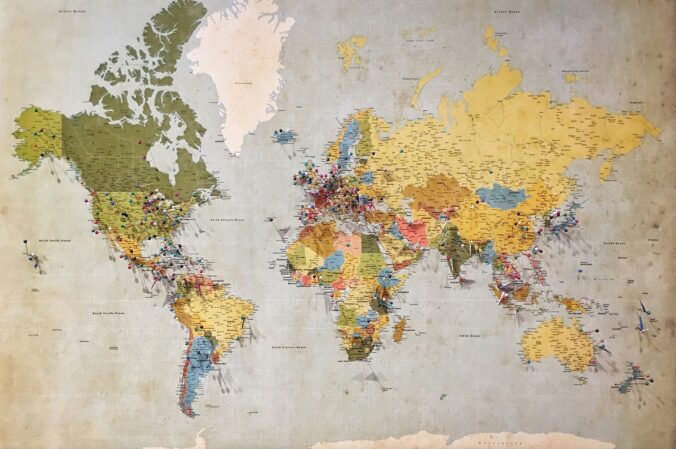
One example that stood out to me was inviting students to mark a dot on a world map showing a place that is special to them. This simple activity can open the door to deeper conversations, stories, and relationships in an online space.
The 5 Rs of Indigenous Education
Dr. Jean-Paul Restoule developed the 5Rs model to help us think about why and how to integrate Indigenous pedagogies into an online classroom (Learning Design & Digital Innovation, n.d.)
The 5Rs:
Relationship
Respect
Responsibility
Relevance
Reciprocity
I chose to focus more deeply on Responsibility.
For me, responsibility means:
Designing learning goals that include cultural safety and decolonial awareness.
Checking in with students about their responsibilities as learners, and as future leaders and elders in their communities.
Taking time to reflect on and unlearn my own colonial assumptions so I can design learning experiences that are more respectful and inclusive.
As a future teacher, I plan to use the 5R as a tool to help guide my online and face to face classes.
This week, I continued exploring how classroom teachers can use game-based learning in practical ways. My goal is to examine game-based learning from a teacher’s perspective: How can teachers actually use specific digital game-based tools in classrooms?
I tried to reach out to teachers by email to hear about their experiences with game-based learning, but I have not received any replies yet (my personal email may have gone to spam). However, I met with Valerie on Zoom and she shared several resources and contacts. Based on her suggestions and my own research, I decided to look more closely at three game-based tools that teachers can use: Wayground (formerly Quizizz), Minecraft Education, and IXL Math games.
Wayground (formerly Quizizz)
For this stage of my inquiry, I explored Wayground (formerly Quizizz), a gamified learning platform where teachers can create or adapt quizzes, lessons, interactive videos, passages, and flashcards. Students can use game features such as live “gameshow-style” sessions and leaderboards similar to Kahoot.
Search the Wayground Library for ready-made resources that match grade and topic. Can filter results by Assessments, Lessons, Interactive Videos, Passages, or Flashcards, and then either use them as-is, assign them as homework, or copy and edit them to fit your class.
Instead of building every game from scratch, teachers can adapt existing resources, quickly set up game-style activities, and use the built-in data (scores, responses) as formative assessment to see where students are with their learning.
Video Spotlight : Wayground Interactive Lessons
I watched a brief Wayground tutorial demonstrating how to incorporate interactive lessons and presentations in the classroom. It guides users through creating a lesson, inserting various question types, and utilizing features such as student pacing and live presentation mode to make lessons engaging and game-like.
Wayground Tutorial: Free Interactive Lessons and Presentations: This video shows teachers how to use Wayground (formerly Quizizz) to create free, interactive presentations with built-in questions, polls, and game-like features that keep students engaged.
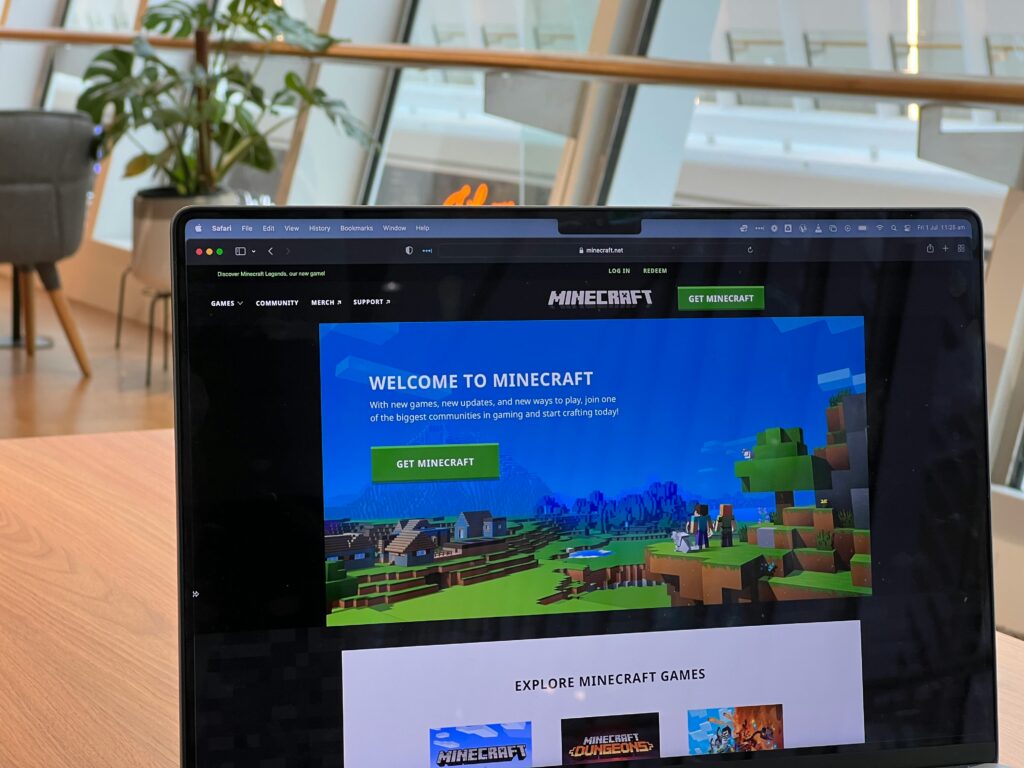
Minecraft Education is a game-based learning platform where students explore and build in a block-based world while working on curriculum topics such as math, science, social studies, coding, and design (Minecraft Education, 2025). Minecraft is popular among kids, so why not implement it into the classroom and let them play and learn at the same time! I want to learn more about this platform and hopefully observe or volunteer in a class that uses it in the future.
How to Get Started on Minecraft Education as a Teacher
One thing I like about this platform is its teacher training. There are learning modules called Learn to Play for the basics of the game, and Lesson Crafter an AI-powered lesson generator. I love that the training is designed for all levels of comfort with technology and walks teachers through how to implement Minecraft Education in the classroom step by step.
Video Spotlight Getting Started with Minecraft Education
I watched a video titled ‘How to Get Started Teaching With Minecraft Education, ‘ which guides teachers on downloading the app, signing in with a school account, and using tutorial worlds to introduce students to basic controls. It also shows how to select a curriculum-aligned lesson world and establish clear learning objectives. This helped me understand how teachers can transition from viewing Minecraft as just a fun game to using it as a structured, game-based learning tool, planned and assessed like any other lesson.
Steps on how to implement Minecraft Education in a classroom setting.
I found many research articles on the benefits of math-focused game-based learning, which led me to explore IXL Mathgames. I have already looked at Wayground as a competitive group game and Minecraft Education as an individual/world-based game, so I wanted to examine a math-specific tool as well. IXL Math offers a collection of online math games and practice activities organized by grade level (K–12). Students answer questions, earn points, and receive immediate feedback. This platform can be used both in the classroom and at home to reinforce specific math skills.
Create a free IXL account as a teacher or through the district
Choose grade or topic
Assign games through IXL to the class
Share a code or QR code with students to access games.
What does the teacher see?
In IXL, teachers can assign specific math skills to their class and then monitor progress through dashboards and reports. The live class view lets teachers see which skills students are working on in real time and how accurate they are, while skill and student reports show SmartScores, errors, and time on task. This makes IXL not only a game-based practice tool, but also a source of formative assessment data for planning next steps in instruction (IXL Learning, n.d.).
Video Spotlight: Assigning and Monitoring in IXL
I watched short IXL teacher videos such as Assigning Skills and Skill plans in IXL and IXL Analytics, which show how to choose specific math skills, assign them to a class, and then monitor students’ SmartScores and progress in real time (IXL Learning, n.d.). These videos can be helpful for teachers to incorporate into the classroom and use as a formative assessment tool in math.