
Learning education technology as a future UVic BEd teacher

Month: December 2025

Blog 8 – Emerging Technologies

Emerging technologies such as artificial intelligence, virtual reality, and augmented reality are transforming education today by creating interactive learning experiences. I remember my first year of university; there was talk about ChatGPT, and I had never heard of it. When I asked what it is, I got many answers: “it’s like Google but better,” “it can do anything you ask it,” “it’s cheating.” When I first explored it, I was fascinated by how quickly AI like ChatGPT could deliver answers to your questions. I thought that, as a future teacher, this could be beneficial for creating lesson plans. As my Bachelor of Education – Elementary Curriculum continued, I realized that AI is great for ideas, but the personalization and accuracy of information still faced some challenges. I think it’s important to teach students how to use AI responsibly. 

Artificial Intelligence (AI) in Open Learning

3D OpenAI logo on a tiled teal surface with an abstract wireframe brain made of connected spheres floating above it.
Photo by stem.T4L on Unsplash

In the research article, Artificial Intelligence Use to Empower the Implementation of OER and the UNESCO OER Recommendation, Talks about the detailed benefits, key challenges, and practical uses related to AI (Ossiannilsson et al., 2024). In the article, they discuss the strengths of AI in open education, such as saving time and effort, fostering creativity and collaboration, while also providing access to quality education. Open education can use AI to improve accessibility, personalize learning, and create more engaging, interactive learning experiences for students. However, there are some limitations to AI use, particularly the need for editing text. AI should be examined critically for copyright errors, as well as spelling and grammar mistakes. I’ve had instances where ChatGPT makes something up; it’s important to do your own work and use ChatGPT as an editing tool or for ideas. After all, AI is a robot.

Virtual Reality (VR) in Open Learning
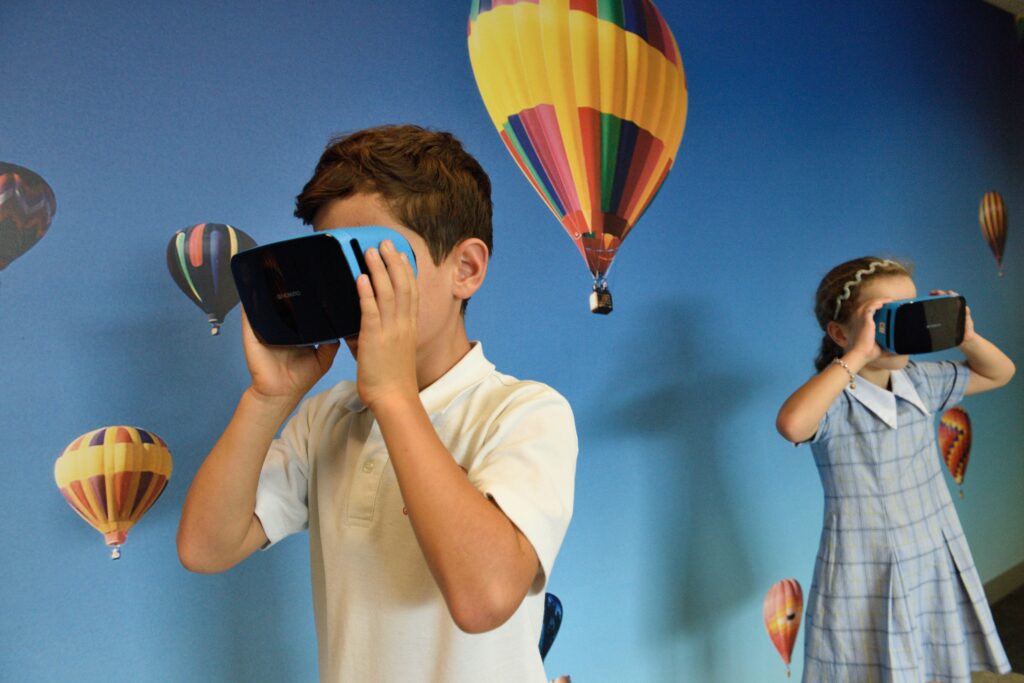
Boy using VR glasses.
Photo by stem.T4L on Unsplash

In this article, “Co-Creating Virtual Reality as Open Educational Resources: An Inquiry-Based Thinking Approach,” looks at the TalkTech 2022 project, where students from the U.S. and Romania worked together online in international teams. Students co-creating virtual reality scenarios as open educational resources, using a five-step inquiry model based on constructivist Learning to help address students’ difficulties and support active participation. The conclusion of the project, based on their work, shows that students’ digital competencies increased through the use of collaborative tools to communicate and learn, and through VR to demonstrate their coding abilities. 

I found a news article called Elementary school students use virtual reality to learn about Indigenous culture about students in Kamloops, BC, using virtual reality to learn more about truth and reconciliation and Indigenous culture. I think this creative, visual approach can help students better understand the content, especially visual learners. This brings the story to life, making it engaging and fun.

Connecting AI and VR to my Free Inquiry Project

Connecting this to my free inquiry on Minecraft Education, I can see how these emerging technologies fit together. Like the VR project, Minecraft Education is a digital game-based world where students can co-create, explore, and solve problems in a shared space. Minecraft worlds can also be shared as open resources, making it easier for teachers to reuse and adapt activities. In addition, Minecraft Education uses AI to support teachers with tools like an AI-powered lesson generator and AI-focused training.

References

Ciarpelletti, L. (2018, November 22). Elementary school students use virtual reality to learn about Indigenous culture. CBC News. https://www.cbc.ca/news/canada/british-columbia/elementary-school-students-use-virtual-reality-to-learn-about-indigenous-culture-1.4917182

Ebba Ossiannilsson, Rosa Leonor Ulloa Cazarez, Claire Goode, Chadia Mansour, & Cristine Martins Gomes De Gusmao. (2024). Artificial intelligence use to empower the implementation of OER and the UNESCO OER recommendation. Open Praxis, 16(2), 137–157.

Frydenberg, M., & Andone, D. (2023). Co-Creating Virtual Reality as Open Educational Resources: An Inquiry-Based Thinking Approach. Proceedings (IEEE International Conference on Advanced Learning Technologies), 14–18. https://doi.org/10.1109/ICALT58122.2023.00010

Blog 7: MOOCS Massive Open Online Courses

What is a MOOC?

Online Courses as follows: a massive audience of students, open to anyone, consisting of individual online courses (Commonwealth of Learning, 2015).

Dr. Tony Bates discusses Massive Open Online Courses in detail in his YouTube video. He talks about the purpose of MOOCs, the type of MOOC and their strengths and weaknesses. 

In this video, the Dr.Tony Bates explains what MOOCs are and some of the benefits and limitations of this large-scale online learning format.

Dr.Tony Bates breaks it down into two types of MOOC:

  1. xMOOCs (behaviourist) mainly recorded university lectures on content creation. Some examples are Coursera, EdX, and FutureLearn. They are made by universities and licensed to use. 
  2. cMOOCs (connectivist) are communities of practice with lectures but without content presentations. Created with the knowledge and experience of the people in the learning community.

Learning with XMOOCs: Udemy

Most MOOCs are not credible for use in institutions; they are designed for continuing education. I used xMOOc for Udemy in the past to learn about digital marketing during COVID when I wanted to create a website and learn how to market my website / Gemstore bracelet small business. The course is called “ The Complete Digital Marketing Course -12 courses in 1.” I was laid off during COVID; I worked at the Fairmont Banff Springs, and during that time I learned many new skills. xMOOc was beneficial to me because it was cost-effective and I could still learn the same skills as I would in a face-to-face paid course. I will say it was more challenging to learn on my own and remotely, but it was the most I’ve ever learned by figuring it out myself. Udemy offers a Udemy certificate, but it can’t be used for university credit. I used the certificate as a motivator to finish. 

Advantages of MOOC

  • High-quality content
  • Free of low-cost options
  • Great for continued learning
  • Scalable to very large audiences

Disadvantages of MOOC

  • Lower completion rates
  • Expensive and time-consuming to create
  • Lack of initiation credit
  • Copyright restrictions. 

Linking to my Free Inquiry Project

Thinking of my free inquiry project on digital game-based learning in the classroom. I came across Minecraft Education,where they have a MOOC called Minecraft Teacher Academy, where teachers learn how to integrate Minecraft into the curriculum.

 References

Commonwealth of Learning. (2015, May 26). Massive open online courses (MOOCs) [Video]. YouTube.https://www.youtube.com/watch?v=o6E_iIav52s

Minecraft Education. (n.d.). Training for educators. Microsoft. https://education.minecraft.net/en-us/resources/training-for-educators?utm_source=chatgpt.com

Blog 6: Communities in Online Learning

In my EDCI 338 course, I learned that a Personal Learning Network (PLN) is a group of people you connect with often online to share resources, tools, and ideas so you can keep learning over time (Green, 2020; Oddone, 2019)

Some example that I use as my PLN are:

  • #TeachersofTiKtok on Tiktok or instagram.
  • Subreddits, where I like to use for unfilled raw answers or support.
  • Blogs/ websites
  • Facebook groups
  • Podcasts

I really value the bite-sized format, like posts, short reels, and TikToks, because they are fast and easy to fit into my day. This aligns with research on microlearning and short-form social media videos that highlight how brief, focused content can support engagement and ongoing learning (Alsaid, 2025). Even though let’s be honest, those TikToks and reels are addictive, these small pieces of content often appear during my elementary education program at UVIC or my practicum placements. For example, I’ve used ideas from these for PE lesson plan inspiration in my PE Uvic course. I enjoy being part of a community with like-minded individuals. 

Challenges of PLN

At the same time, there are challenges: algorithms can create echo chambers that reinforce biased opinions, and comment sections can include harmful or misleading content, so I need to be critical and intentional about what I consume and share on these platforms (Greenhow et al., 2022; Williams, 2024).

References

Alsaid, B., Al-Bitar, A., Mousa, L., Al-Mardini, H., Almaradni, M. M., Alhomsi, H., Al-Masalma, D., & Izzat, M. B. (2025). Short Social Media Videos as a Supplementary Educational Resource in Neuroanatomy: A Nonrandomized Clinical Trial. JAMA Network Open, 8(9), e2533971. https://doi.org/10.1001/jamanetworkopen.2025.33971

Asino, T., Bayeck, R., Brown, W., Francis, R. W., Kolski, T., Essmiller, K., Green, C. L., Lewis, S. L., McCabe, C., Shikongo, J., Wise, T., & Fulgencio, J. (2020). Learning in the Digital Age (T. Asino, Ed.). Oklahoma State University.

Free Inquiry: Creating a Screencast on Wayground, IXL, and Minecraft Education

For my final EDCI 339 Free Inquiry post, I want to bring everything together in a way that is useful for busy classroom teachers. Instead of writing another long post, I decided to create a short YouTube screencast that walks teachers through three different game-based learning tools and shows how they can be used for both engagement and formative assessment.

Over the past few weeks, I explored research on game-based learning, looked at different platforms, and reflected on the challenges and opportunities of using games in real classrooms. This final screencast is my way of sharing what I learned in a teacher-friendly format.

Screencast: Three Game-Based Tools for Teachers

Game-Based Learning for Teachers: Using Wayground, IXL, and Minecraft Education for Engagement and Formative Assessment

In this video, I briefly walk through three platforms:

From a teacher’s perspective, I highlight:

  • what each tool does,
  • how it might fit into everyday classroom practice, and
  • how the built-in data and reports can be used as formative assessment, not just as a game score.

My goal was to keep the video short, practical, and realistic, from a future teacher that does not have a technology background.

Next Steps as a Future Teacher

Going forward, I’d like to:

  • Try Wayground in my future practicum in April.
  • Use IXL math in my future practicum as additional help/ work.
  • I want to complete Minecraft Education’s Teacher Academy and schedule a meeting with a teacher to see how they implement the game in their classroom.

This inquiry has taught me a lot; at times I felt overwhelmed by all the different resources out there. But I believe the only way you’ll know if they work is if you try them in your class first.